

Related Articles

300269
Stock code
Products
Outdoor 
Sports
Professional
Commercial
Rental

LED Wall Pixel Pitch: Viewing Distance, Screen Resolution, and Budget Trade-Offs


LED pixel pitch is the center-to-center distance between adjacent pixels, measured in millimeters. A smaller number means more pixels in the same area and finer detail at closer distances. It does not mean the smallest LED display pixel pitch is automatically the right investment. At LianTronics, we begin with the viewers, the information they must read, and the installation space.
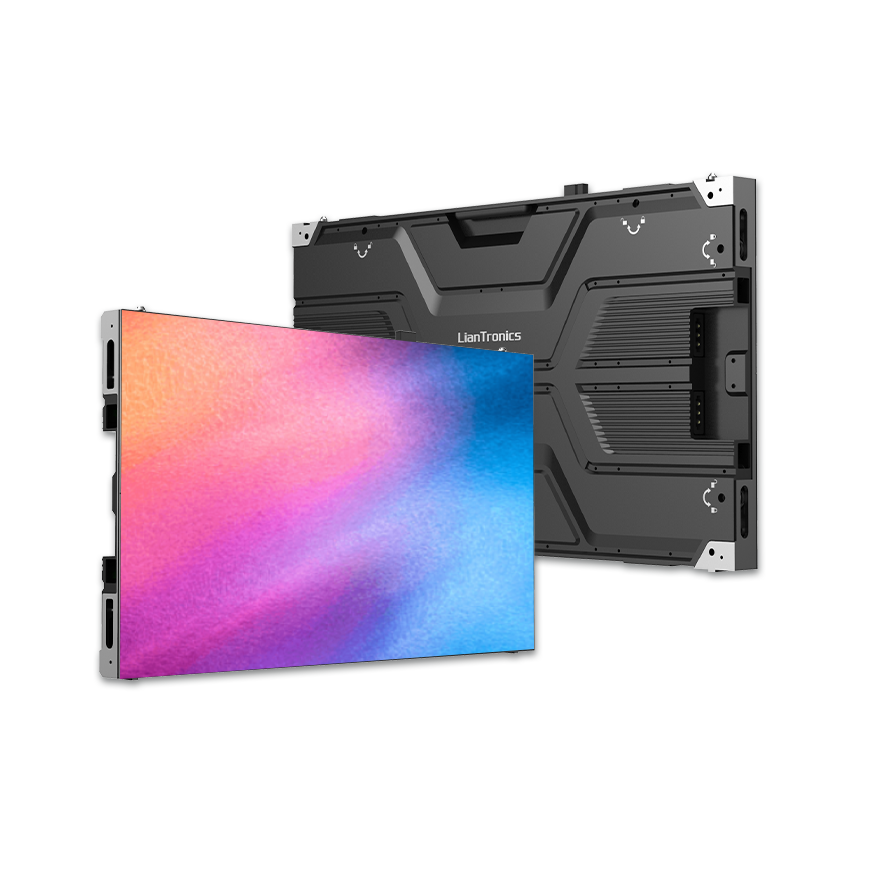
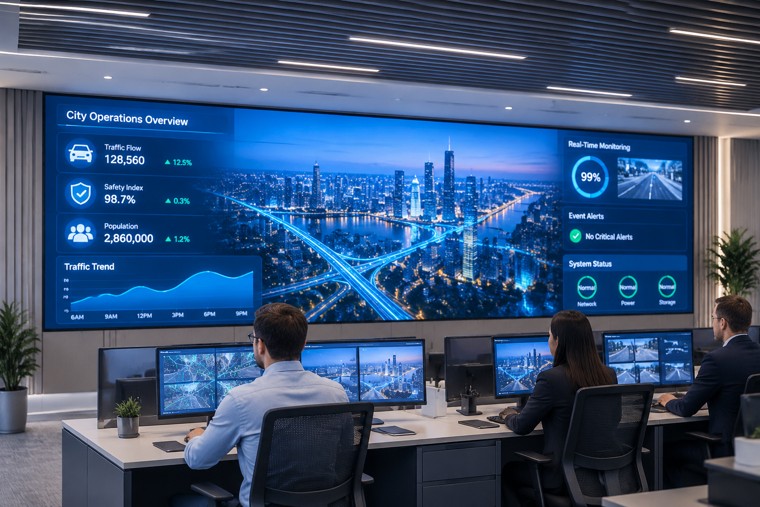
For an indoor fine-pitch LED wall, identify the nearest and farthest viewers, assess close-range pixel visibility and far-seat text readability separately, check content at real size, then compare the total project cost. To keep the comparison practical, the examples in this guide use panels with the same 600 x 337.5 mm cabinet size, 600-nit brightness, 6 kg weight, and front-service design, so pixel pitch remains the main variable.
What Pixel Pitch Changes on an LED Wall
With the same wall size, pixel pitch determines how much visual information the LED wall can carry. Closer pixels create a denser canvas for small type, dashboards, maps, camera images, and detailed graphics. A larger pitch can still look excellent for distant viewers or bold video, large numbers, and simple branding.
P0.7 supports close inspection, but it cannot compensate for undersized text or an overloaded interface. P1.5 may suit a more distant audience and large-format content. Our recommendation is to buy the density the audience can use, then direct the remaining budget to screen size, integration, and service planning.
LED Wall Viewing Distance: Evaluate Close and Far Viewing Separately
Select pixel pitch by evaluating the nearest and farthest occupied positions separately. Consider the room layout, final mapped content, sight lines, and viewing task.
At the nearest position, assess pixel visibility and image detail. At the farthest position, assess whether the smallest critical text and graphics remain readable. Typeface, contrast, lighting, screen height, seating, and viewing angle all affect the viewing result.
Closest viewer: assess pixel visibility and image detail.
For early planning, a close-viewing distance of approximately pixel pitch (mm) × 1.7 in meters is a useful reference. It helps identify when individual pixels may become noticeable during close viewing.
Farthest viewer: test the smallest critical content at its final physical size.
Use the final mapped canvas to assess the smallest operational text and graphics from the farthest occupied position. Review the active image area, physical content size, typeface, contrast, lighting, and viewing task together.
For example, with operators seated 1.3 m and 3.0 m from the wall, compare candidate pitches according to the required detail and budget. Check pixel visibility and image detail at 1.3 m, then test the smallest operational content at 3.0 m. A 3.0 m farthest position does not rule out VT0.9.
Pixel Pitch Project Brief Checklist
For a pre-quotation comparison, our team starts with five inputs before evaluating VT0.7, VT0.9, VT1.2, and VT1.5:
- Nearest and farthest occupied viewing distances.
- Finished screen width and height.
- Source resolution, final controller mapping or scaling, and the smallest critical text, label, chart, or map feature.
- Candidate pitches evaluated against close viewing, content resolution, and full-size text tests.
- Total system costs, not only panel pricing.
VT Series Pixel Pitch and Specifications Table
| VT model | Pixel pitch | Panel resolution | Panel size | Brightness / weight | Maintenance direction |
|---|---|---|---|---|---|
| VT0.7 | 0.7 mm | 768 x 432 pixels | 600 x 337.5 mm | 600 nits / 6 kg | Front |
| VT0.9 | 0.9 mm | 640 x 360 pixels | 600 x 337.5 mm | 600 nits / 6 kg | Front |
| VT1.2 | 1.2 mm | 480 x 270 pixels | 600 x 337.5 mm | 600 nits / 6 kg | Front |
| VT1.5 | 1.5 mm | 384 x 216 pixels | 600 x 337.5 mm | 600 nits / 6 kg | Front |
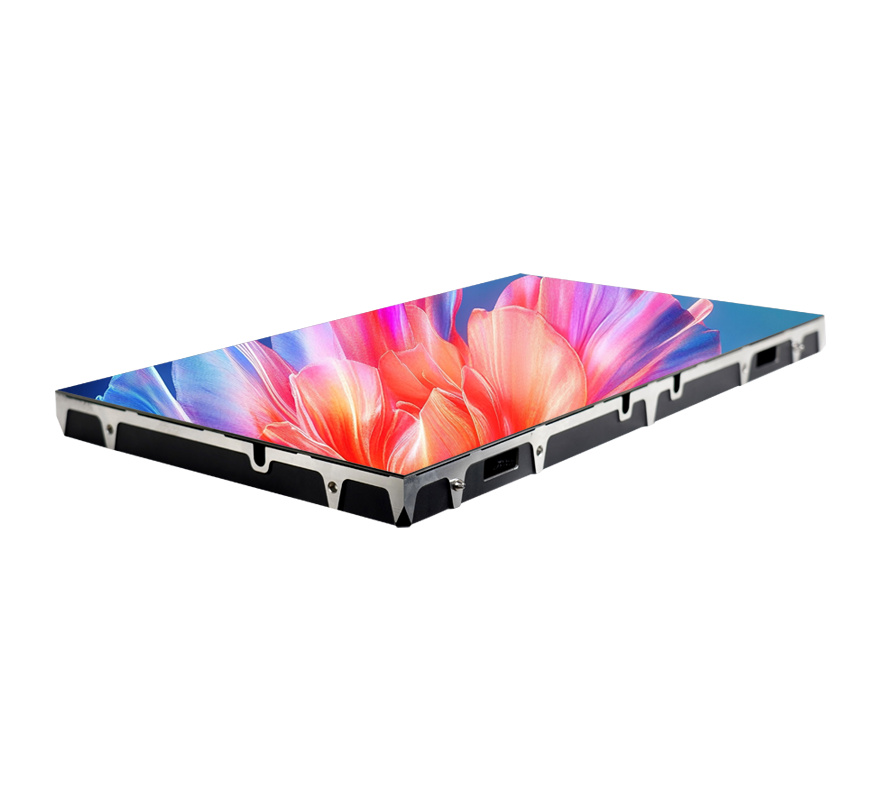
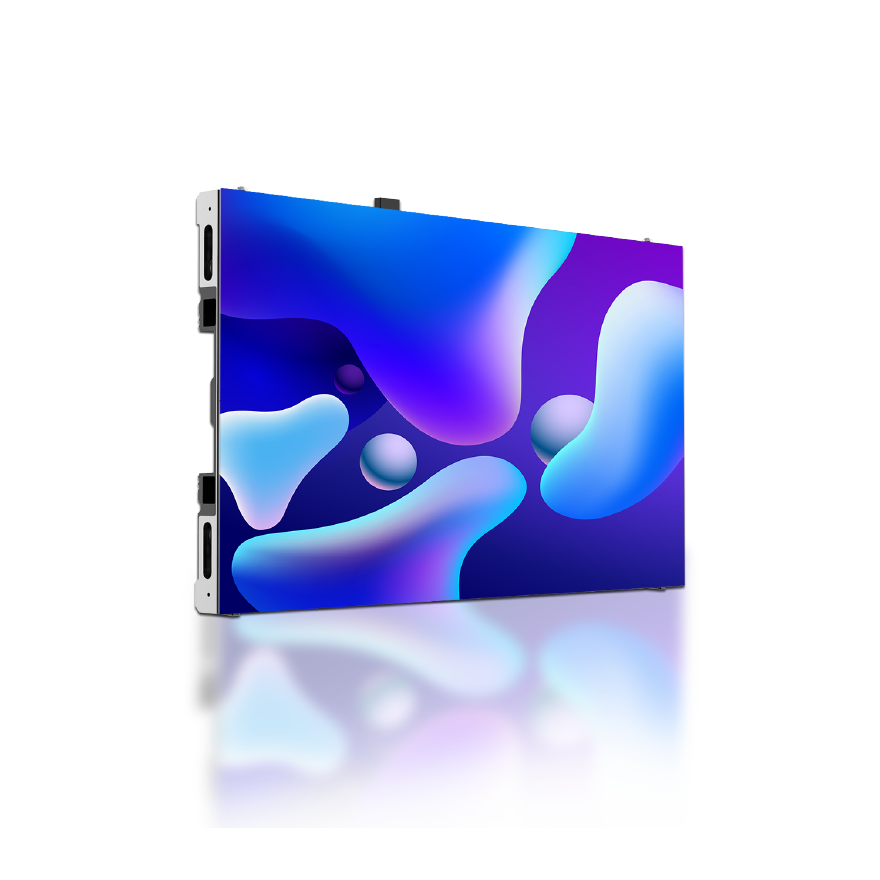
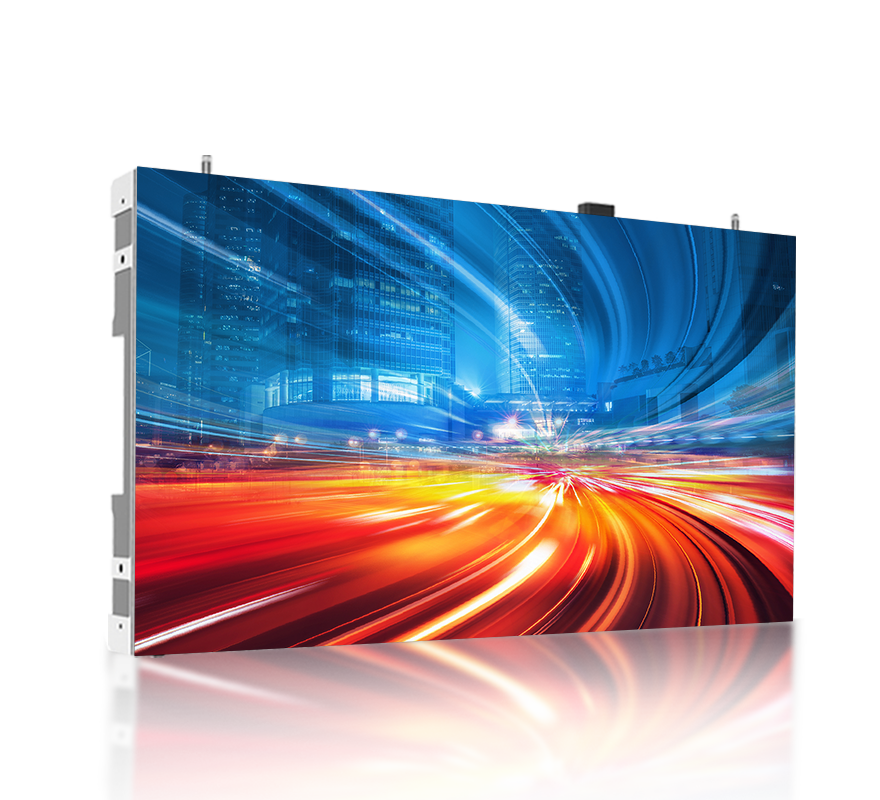
Specification scope: The VT Series is an indoor fine-pitch COB LED wall range, available in VT0.7, VT0.9, VT1.2, and VT1.5 with pixel pitches from 0.7 mm to 1.5 mm. Review the VT Series technical specifications and confirm the final model, configuration, controller compatibility, and project requirements before finalizing a quotation.

Calculate Screen Resolution and Text Height Before You Commit
Pitch supports viewing-distance planning; cabinet resolution determines the content canvas. For identical VT panels, calculate the canvas this way:
Total wall resolution = (panels across x panel horizontal resolution) x (panels high x panel vertical resolution)
Wall size = (panels across x 600 mm) x (panels high x 337.5 mm)
A 6 x 6 VT0.9 wall is 3.6 m wide by 2.025 m high with a native 3,840 x 2,160-pixel canvas. Whether content is displayed without scaling depends on controller mapping, input resolution, and signal workflow.
Text height needs its own calculation:
Physical character height (mm) = character height in final display pixels x wall physical height (mm) / wall vertical resolution (pixels)
Calculate the character height from the final display canvas after all controller, processor, and content scaling. On the 6 x 6 VT0.9 example, a character with a rendered final-display height of 72 pixels is 67.5 mm high. This example applies only when the final on-screen glyph, rather than the nominal font size, is 72 pixels tall. Typeface, stroke weight, contrast, message length, ambient light, language, and the farthest viewer all affect readability. Test the smallest operational text at the final pixel canvas and from the farthest intended position.
On the same 6 x 6 VT0.9 wall, a 48-pixel character is 45 mm high. Whether it is readable depends on the farthest viewing position and the actual font, weight, contrast, background, lighting, and message complexity. Test the content first at full scale. If it is not readable, increase the rendered character height or adjust the layout and information hierarchy. Increasing the screen size only increases physical character height when the content is scaled with the screen; adding panels alone does not enlarge an unscaled 48-pixel label. Moving from P1.5 to P0.9 may add resolution, but it does not automatically make a crowded dashboard operationally clear.
Choose Pixel Pitch by Content Type and Viewing Task
Start by defining the viewing task at the nearest and farthest occupied positions, then match the pixel pitch to the detail the audience needs to read. Fine-pitch LED walls are better suited to dense dashboards, small text, and detailed data, while video, bold messages, and brand visuals can often prioritize a larger screen and a broader installation budget.
Command Rooms and Close Reading
For mission-critical LED wall projects, VT0.7 and VT0.9 are well suited to close-range viewing of detailed dashboards, maps, labels, and alarms. In these environments, text size, signal stability, redundancy, front maintenance, and continuous-operation requirements should be considered alongside pixel pitch.
Boardrooms and Meeting Rooms
VT0.9 and VT1.2 are practical options for detailed presentations, spreadsheets, video conferencing, and shared data. Plan a corporate LED display application around the seating layout and the actual presentation templates used in the room, especially when participants need to read small spreadsheet cells or interface labels.
Broadcast and Camera-Facing Content
VT0.7 and VT0.9 may be evaluated for studio backgrounds and live graphics where close camera positions and detailed imagery are important, subject to camera and signal-chain testing. The VT Series uses full-flip-chip-on-board packaging, offers a 170+ degree viewing angle, and provides a contrast ratio above 10,000:1. For camera-facing applications, evaluate refresh behavior, grayscale, shutter and frame-rate matching, moire, color calibration, latency, and shooting distance during project planning.
Large-Format Video and Brand Walls
For large imagery, motion graphics, high-contrast visuals, and short copy, VT1.2 and VT1.5 can offer a cost-effective balance of clarity and scale. When the content is simple and viewers stand farther away, increasing screen size can create more impact and improve text visibility more effectively than selecting an unnecessarily fine pitch.
Set the Budget with a Complete LED Wall Cost Checklist
A smaller pitch creates a denser canvas and generally requires more pixels and supporting electronics. We compare total pixels and complete system configuration, not the single-panel price.
| Budget item | What to define before comparing quotes |
|---|---|
| Display area and total pixels | Finished width, height, pitch, panel quantity, and native resolution. |
| Control and signal system | Controller mapping, input sources, processing, cable paths, and any redundancy requirement. |
| Mounting and electrical work | Structure, wall condition, power distribution, grounding, and cable management. |
| Installation and access | Labor, lifting or high-access equipment, site schedule, and commissioning conditions. |
| Spare parts and service | Recommended spares, front working access, training, warranty scope, and maintenance plan. |
VT0.7 has 768 x 432 pixels per panel, while VT0.9 has 640 x 360: 331,776 versus 230,400 pixels, or 1.44 times as many on VT0.7. This is not a quote forecast, but it explains why a smaller pitch should solve a real close-viewing or high-detail requirement.
For the same 6 x 6 wall size used above, VT0.9 provides a 3,840 x 2,160-pixel canvas, while VT1.2 provides a 2,880 x 1,620-pixel canvas. Compare the customer's actual content on both final canvases, then evaluate the complete quotation rather than treating resolution alone as the purchase decision.
Our budget rule is to choose the largest VT pitch that satisfies close-range pixel-visibility and detail checks, the content canvas, and full-size text tests from the farthest position. Preserve budget for screen size, installation quality, control system, and service.
Plan Installation Height and Front Maintenance Together
Installation height affects viewing comfort and content legibility, especially when the wall displays small text or detailed data. Set the screen centerline from the viewer's eye height and horizontal viewing distance, then check sight lines to the full screen area.
Screen center height = viewer eye height + horizontal viewing distance x tan(desired upward viewing angle)
Use consistent units throughout the calculation. Horizontal viewing distance is the level distance from the viewer to the screen plane, while the desired upward viewing angle is measured from the horizontal line of sight. When the screen is mounted high, increase content scale or adjust the mounting position to support comfortable viewing.
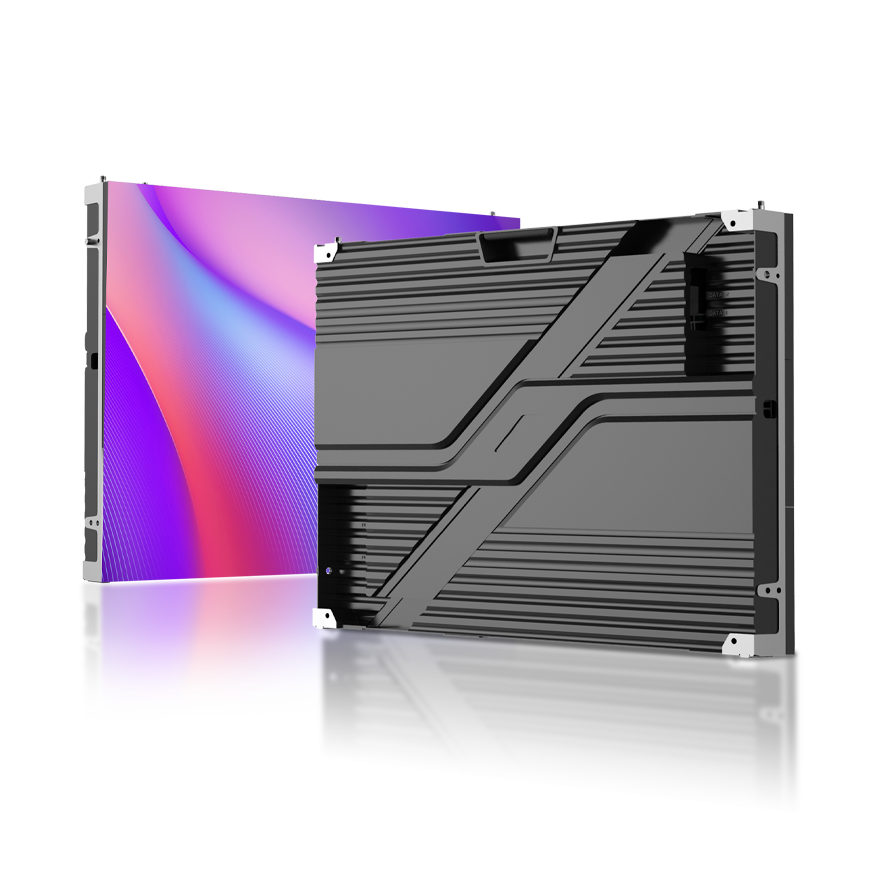
VT Series panels support front service, allowing maintenance from the display face when rear access is limited. Plan the mounting structure, power and signal routes, thermal conditions, and working clearance around the display so routine service remains practical throughout the installation's life cycle.
FAQ: Choosing LED Display Pixel Pitch
How do I calculate LED wall pixel pitch?
Start by recording the nearest and farthest occupied viewing positions. At the nearest position, compare candidate pitches for pixel visibility and required image detail. At the farthest position, test the smallest critical text and graphics at their final physical size on the mapped display canvas. Select the pitch that supports the content, viewing task, screen resolution, and project budget.
Is P0.9 always better than P1.2 for an LED wall?
No. P0.9 offers higher pixel density, but P1.2 can be the better fit when the nearest viewer is farther away and the content uses larger type or video. P0.9 vs P1.2 LED wall selection should be based on viewing task, final wall canvas, and project budget.
Does pixel pitch determine text readability?
Pixel pitch affects available resolution, but readability also depends on rendered character height, font design, contrast, ambient light, content density, viewing distance, and mounting height. Test critical text at full scale.
What should I provide for an LED wall quotation?
Send us your viewing distances, target screen size, source resolution, sample content, smallest critical text, installation height, mounting method, front-access conditions, electrical information, and target budget. With this project brief, our team can recommend the right pixel pitch and develop a VT Series configuration that fits your room, content, and operational needs.
Request an LED wall pixel pitch recommendation to move from an initial idea to a clear project specification. You can also view VT Series fine-pitch LED display specifications and compare the available options before starting your consultation.


To Be Your
Trustworthy Display
Solution Provider
 Phone
+86-755-29746688
 Email
service@liantronics.com

Get in Touch
Fill in your details below, and our team will reach out to you shortly.
Name*
Email*
Company*
Country/Region*
Message*
I have read and agree to Privacy Policy


Materials awaiting download (0/20)
delete all
Download All